No wiring
Use a mount and optional battery pack instead of hardwiring a camera.
Spare phone camera
A spare smartphone already has a camera, microphone, battery, screen, storage, and network access. Parking Guard adds the parked-car evidence workflow around those parts.
Use a mount and optional battery pack instead of hardwiring a camera.
Evidence clips and frames are saved on the device first.
The app is built with shared UI and native camera cores for each platform.
A dedicated parking-mode dash cam is often the right tool for always-on vehicle recording. But many drivers only need a simple way to watch a car during errands, restaurant stops, apartment parking, or other practical sessions.
Parking Guard is built for that use case: place a spare phone, start monitoring, and review clips if something happens.
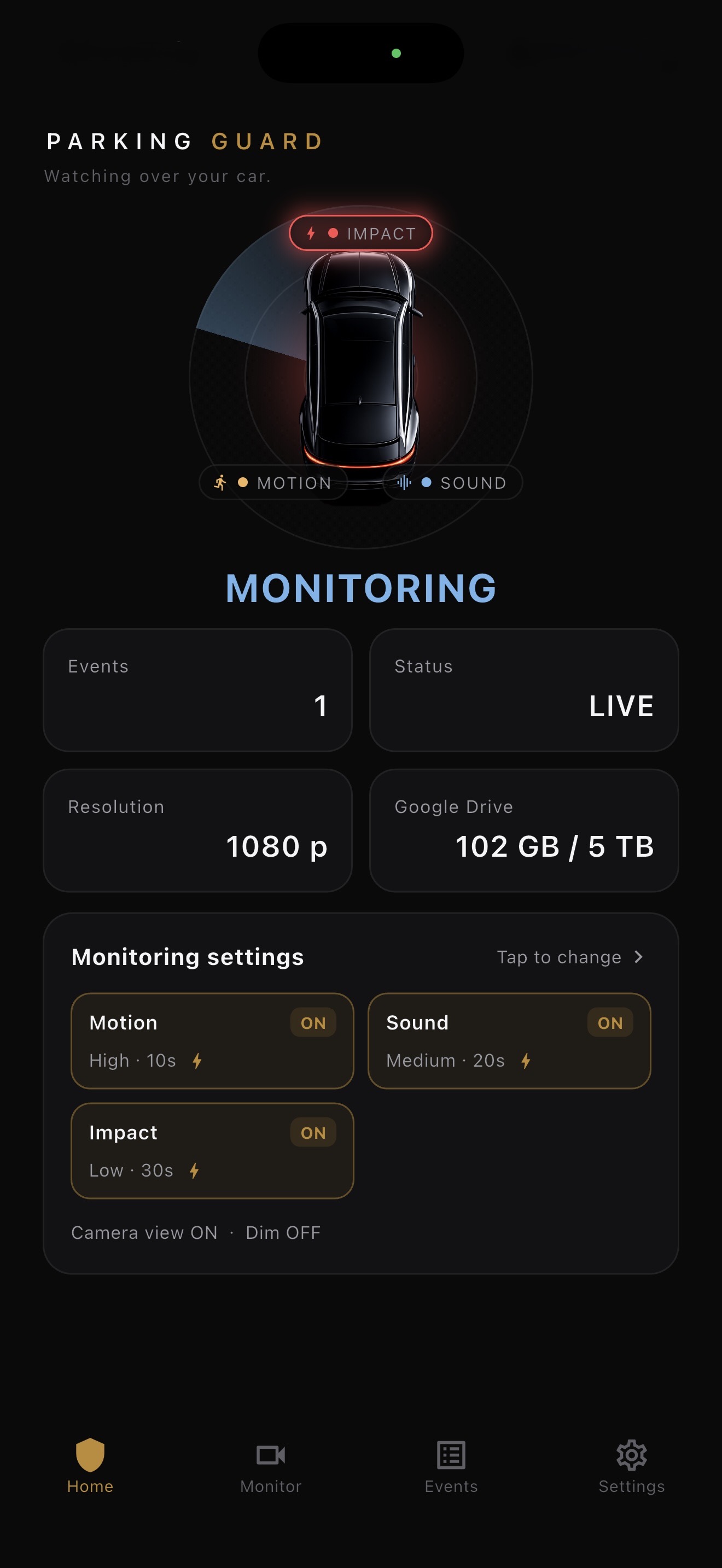
A normal camera app records continuously and leaves you with long files to inspect. Parking Guard listens for motion, sound, and impact, then saves incident-focused clips with a trigger frame and metadata.
The app also includes event lists, detail review, Photos export, optional Google Drive backup, optional Gmail alerts, screen dimming, and platform-specific recording behavior.
On iOS, monitoring works only while the app remains open and the screen is on. Returning to the Home screen or locking the phone stops monitoring because of platform rules.
On Android, Parking Guard can continue through a foreground service with camera and microphone service types, subject to permissions and device behavior.
Choose a stable mount, clean the window, check the camera view, plug in a power source if needed, and test a short recording before leaving the car.
A phone that can record 1080p with enough storage is a strong starting point. Supported iPhones may offer 4K, while Android currently uses 720p or 1080p.
FAQ
Short answers, with the same limits the app shows in its main product page.
Yes, if it meets the supported iOS version and can remain open while monitoring.
Yes. Android support is implemented with foreground-service monitoring and native Camera2 recording.
No vehicle wiring is required. A simple mount and optional battery pack are usually enough to start.