Start with a spare phone
No hardwiring or vehicle modification is required to begin a parking monitoring session.
Parking mode app
Parking mode usually means a dash cam keeps watch while the car is parked. Parking Guard brings that idea to a spare smartphone, with local evidence clips, trigger frames, and optional Google Drive backup.
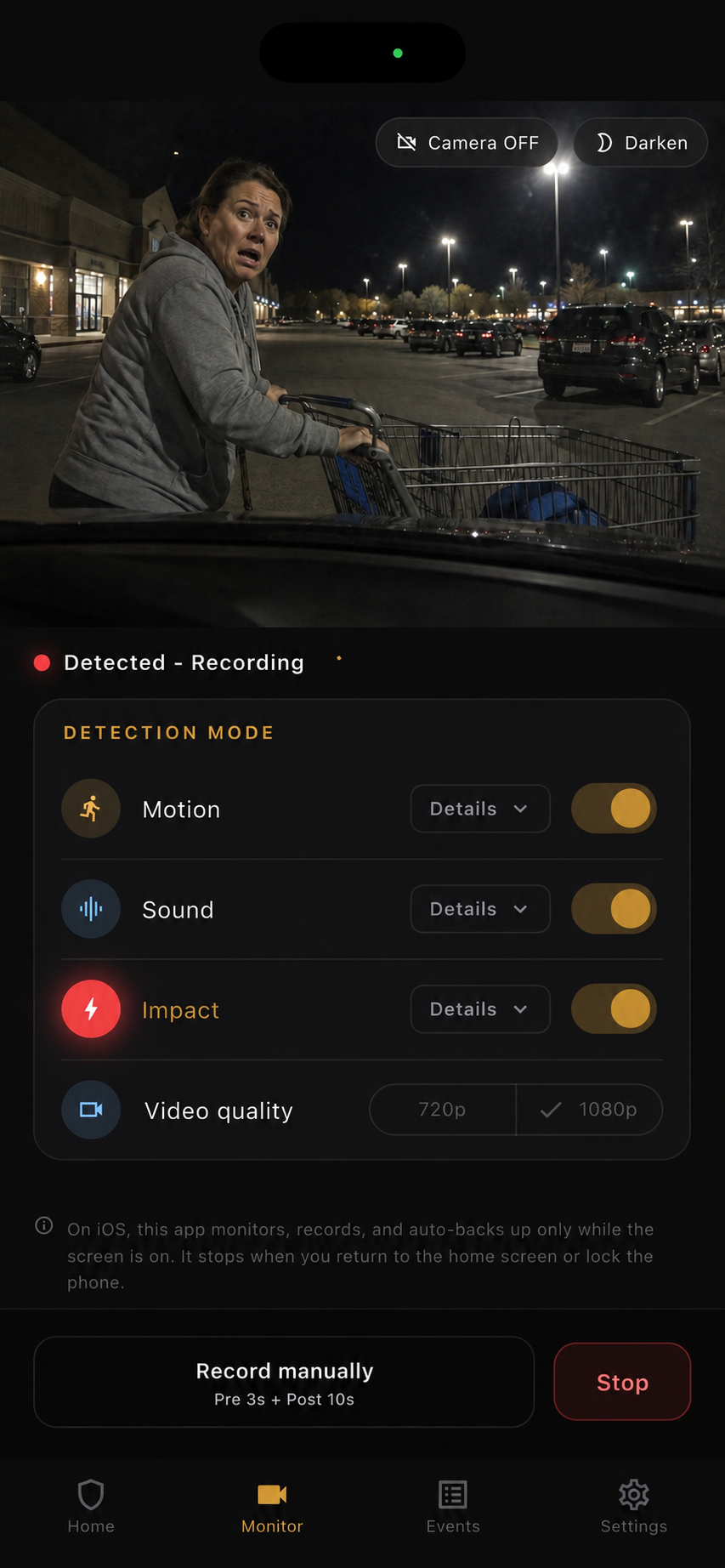
No hardwiring or vehicle modification is required to begin a parking monitoring session.
Motion, sound, and impact detection work together around parked-car incidents.
Parking Guard saves clips locally before optional backup to your own Google Drive.
In dash cam language, parking mode means the camera continues watching when the car is parked. Parking Guard uses the same search intent, but the product is a smartphone app rather than fixed dash-cam hardware.
The goal is practical evidence: a readable clip or still frame around a hit-and-run, door ding, cart contact, vandalism, or suspicious approach.
A dedicated parking-mode dash cam can be excellent, but it often involves hardware cost, wiring, battery management, and installation. Parking Guard lowers that setup barrier by using a phone you already have.
Place the phone inside the car, point it toward the risk area, choose detection modes, and start monitoring before you leave.
On iPhone, Parking Guard monitors only while the app stays open and the screen remains on. iOS does not allow this camera monitoring workflow to continue after locking the phone or returning to the Home screen.
On Android, Parking Guard can continue through a foreground service with camera and microphone service types, subject to permissions and device behavior.
Use 1080p as a balanced default, clean the window, test the angle, and keep the phone powered for longer sessions. On supported iPhones, 4K can help with distance but uses more memory.
The app records 3 seconds before detection and 10, 30, or 60 seconds after. If another trigger happens during recording, it can extend into one clip up to 60 seconds.
FAQ
Short answers for drivers comparing dash cam parking mode with spare-phone monitoring.
Yes. Parking Guard is a smartphone-based parking mode app focused on parked-car evidence, not continuous driving footage.
No. It is a spare-phone evidence app. A dedicated dash cam can still be better for permanent always-on coverage.
Yes. Evidence is saved locally first. Internet is only needed for optional Google Drive backup or Gmail alerts.